Sunday, October 31, 2010

Testing QR Codes


The first image shows what the model looks like inside (the underground part) and shows the work benches and spiral staircase.
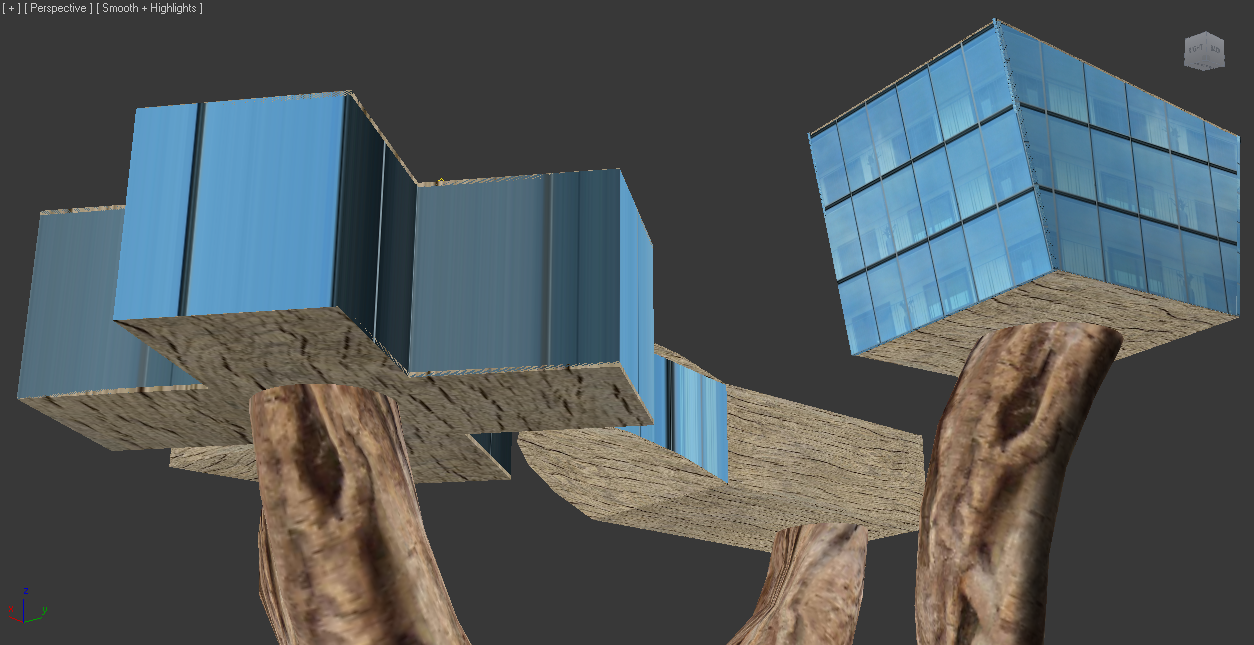
The second image shows what it looks like when I look up to see the models that are located above ground. These are not shown very well in this Layar so I will have to investigate how to make this part of the model better and easier to see using Layar.

Layar and QR Codes

Model Coordinates:
-33.918363,151.227933

Tiny URL:
http://tinyurl.com/27by8dr


QR Code 1:

URL: layar://georssgateway?SEARCHBOX=http://tinyurl.com/27by8dr&SEARCHBOX_2=-33.918305&SEARCHBOX_3=151.228147
Coordinates: -33.918305, 151.228147

QR Code 2:


URL: layar://georssgateway?SEARCHBOX=http://tinyurl.com/27by8dr&SEARCHBOX_2=-33.91855&SEARCHBOX_3=151.228102
Coordinates: -33.91855, 151.228102

Layar Model Screenshot

Progress with Poster Design

In these image captures you can clearly see the grid I am working with for this poster, and the progress I am making with the overall design and balance of each panel to make one coherent poster.


Thursday, October 28, 2010

Some Initial Renders and Screenshots

Some of the renders I have taken look ok, but the renderer is mental ray because I dont have the vray plugin and some of them dont look very realistic. So I have also taken some screenshots which I might use in the poster also because the materials and lighting look significantly better at certain angles in these than the renders.
Here are some renders:


Here are some screenshots:

Reowrking Layout


This set up of elements makes the posters more consistent as one whole document because the grid is clearer and the same shapes are used throughout the design. I think this will work better than my last idea. The grid I am using is 3x3 for all panels, but using it slightly differently on each one.

A1 Poster Layout Ideas

These are my first layout ideas for each page of the 3 A1 posters: